New
Mock exams in the real format
The app reads from the notice how many questions each subject has, the time and the rules. Take it on screen against the clock or print it with an answer card, and get your score per subject.

A desktop app that builds study plans for exams. Drop in the exam notice or syllabus PDF, get a week-by-week plan, and study out loud with a tutor that listens, explains and quizzes you.
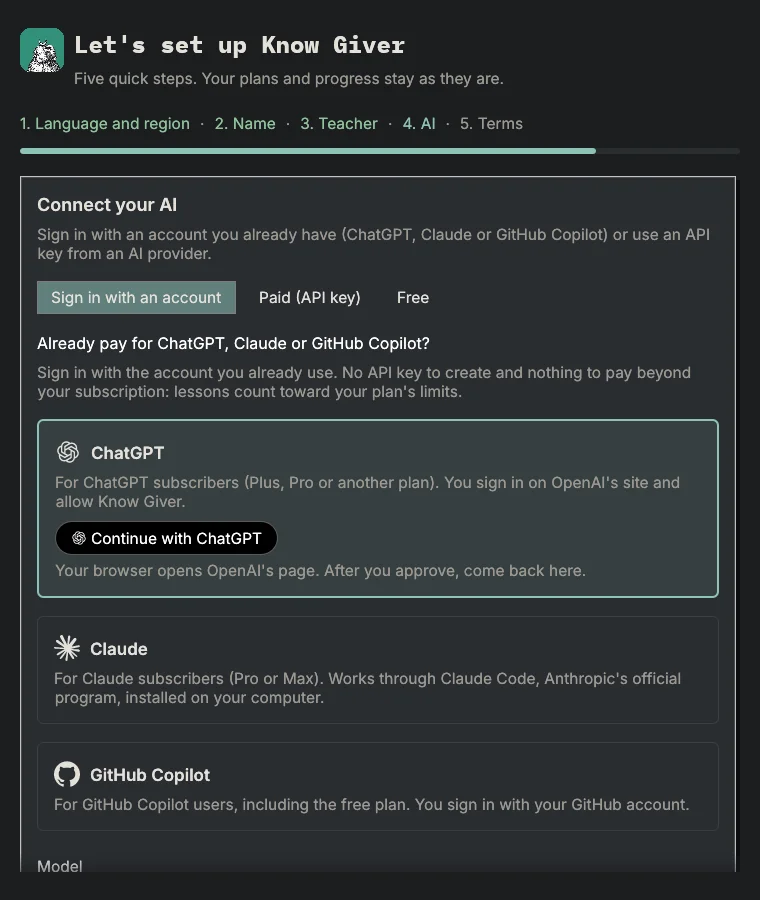
Have ChatGPT, Claude or GitHub Copilot? Just sign in with your account. No API key and no cost beyond the plan you already have: lessons count toward your plan limits.
ChatGPTPlus, Pro and other plans
Sign in on OpenAI's official page and authorize Know Giver.
ClaudePro or Max
Works through Claude Code, Anthropic's official program. Know Giver installs it for you.
GitHub CopilotFree plan included
Sign in with your GitHub account in a few clicks.
Know Giver is not affiliated with OpenAI, Anthropic or GitHub.
Everything exam prep needs, in an app that runs on your computer.
The app reads from the notice how many questions each subject has, the time and the rules. Take it on screen against the clock or print it with an answer card, and get your score per subject.
164 challenges along the way, each level worth a sticker for your showcase. No points, no ranking and no streak to lose.
Upload the exam notice PDF, pick your position and set weeks and hours per week. The plan comes out by week, subject and topic.
You speak and the tutor answers out loud, with live captions. Each lesson follows a script, checks that you understood and ends with a summary.
Formulas, diagrams, comparison tables, timelines, mind maps, exam tips and worked examples during the lesson.
Topic handouts open inside the app. Highlight passages, write notes and save a PDF with your highlights.
Exam-style quizzes, a mistakes notebook, spaced review and past exam questions filtered by your syllabus.
Write by hand and take a photo: your handwriting is read on your computer. Get a score per criterion, with quotes from your text, strengths and what to review.
From syllabus to plan, from voice lesson to mock exam.
1 / 9
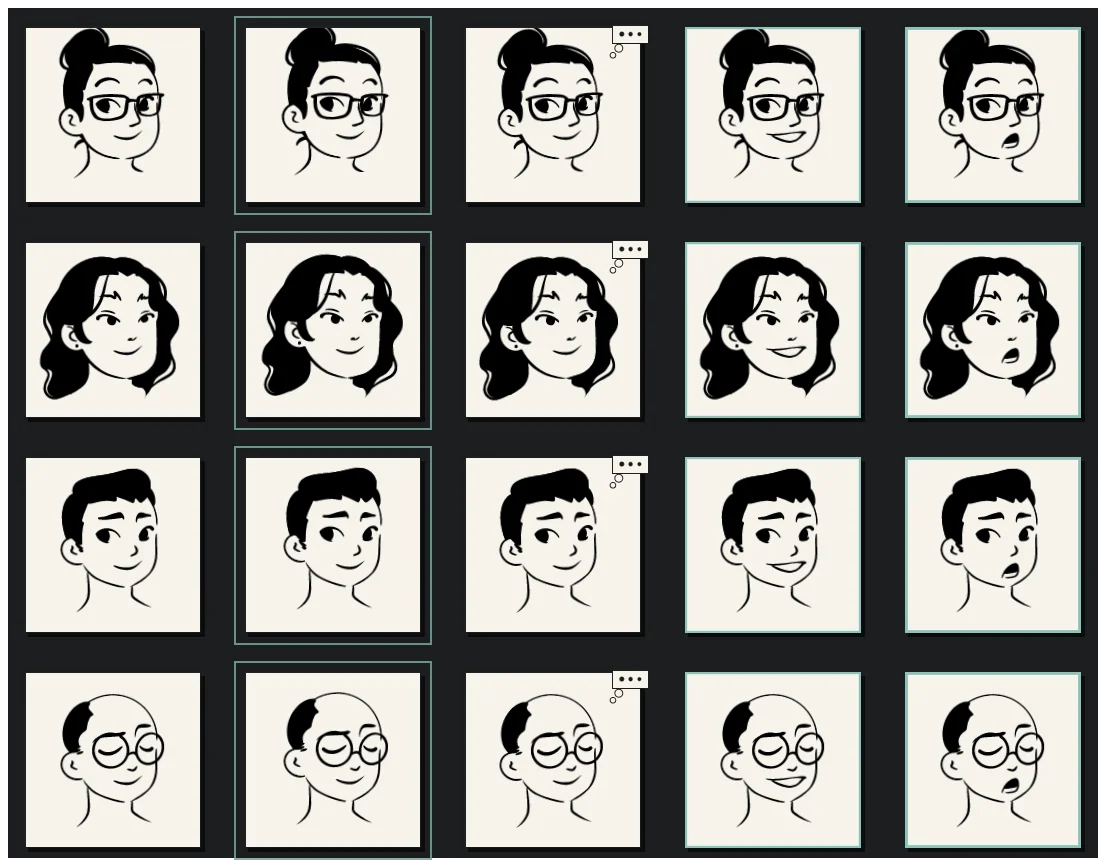
The teacher's portrait with live captions, the whiteboard with key points and the student's microphone.
Your studies stay on your computer.
Always the latest version, straight from the GitHub releases. It installs for your user, with no administrator rights needed.
Windows 10 or 11, 64-bit
Or with PowerShell:
irm https://raw.githubusercontent.com/czarist/know-giver/main/scripts/install.ps1 | iexThe installer adds a Start menu shortcut and asks whether you want a desktop shortcut.
Mac with Apple silicon (M1 or newer)
Recommended, with Terminal:
curl -fsSL https://raw.githubusercontent.com/czarist/know-giver/main/scripts/install.sh | bashThe command installs to ~/Applications. If macOS blocks the first launch of an app downloaded in the browser, right-click it and choose Open.
x86_64
In a terminal:
curl -fsSL https://raw.githubusercontent.com/czarist/know-giver/main/scripts/install.sh | bashInstalls to ~/.local/opt/KnowGiver, with the know-giver command and an application menu shortcut.
The commands download the latest version and verify the release checksums before installing.
On first launch, sign in with your ChatGPT, Claude or GitHub Copilot account. Or use an API key: the app suggests paid and free options, including Ollama or LM Studio running on your computer.
Release notesChecksums (SHA-256)Source codeMIT or Apache-2.0 license
We build desktop apps, web systems and AI integrations. Tell us your idea and we will assess the scope.